
Formula 1
Race countdown, published session results, driver standings, and the last Grand Prix.
 SweepMyTV
 gives your TV a lightweight, customisable home screen with picks from the streaming apps you use.
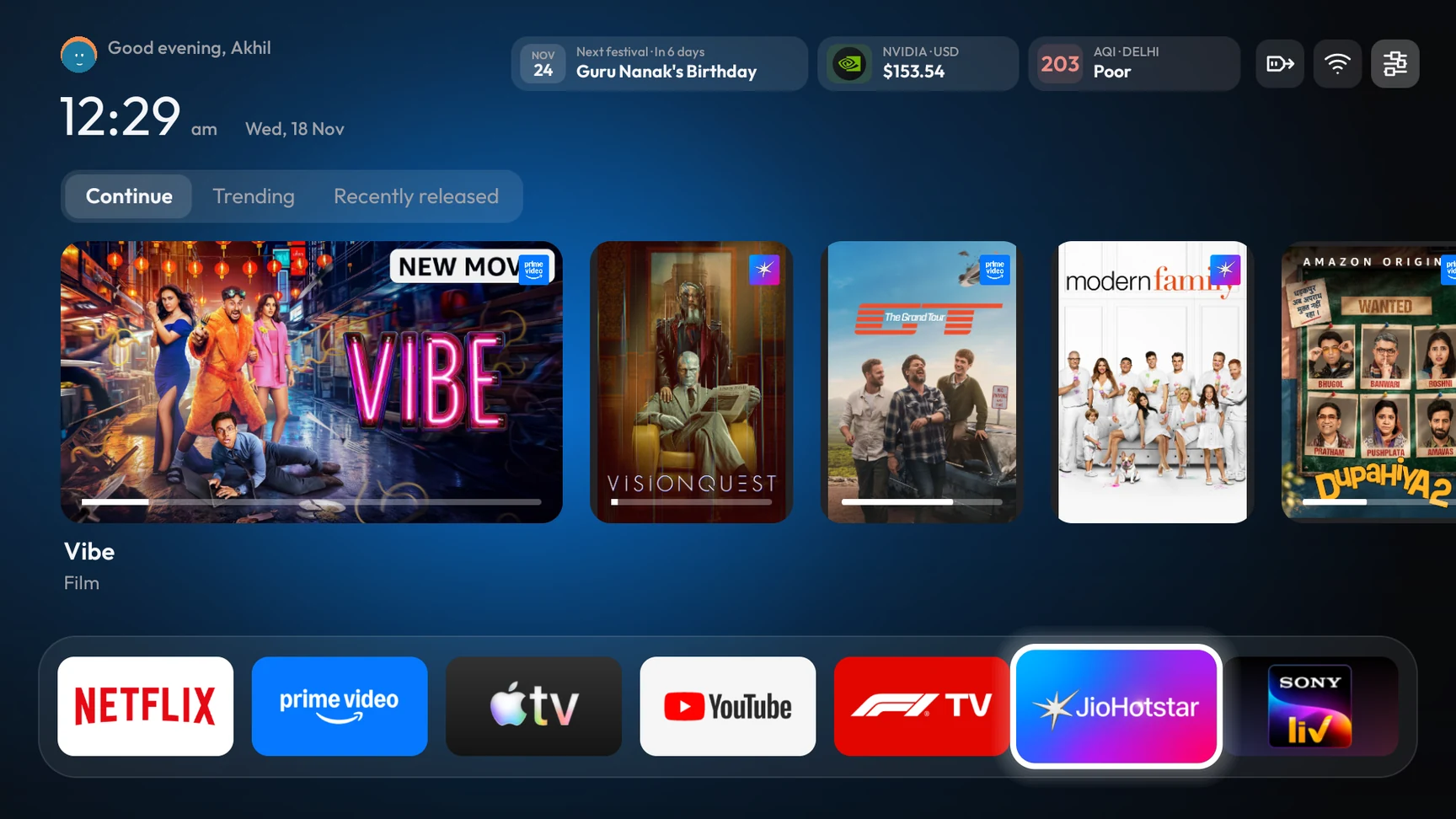
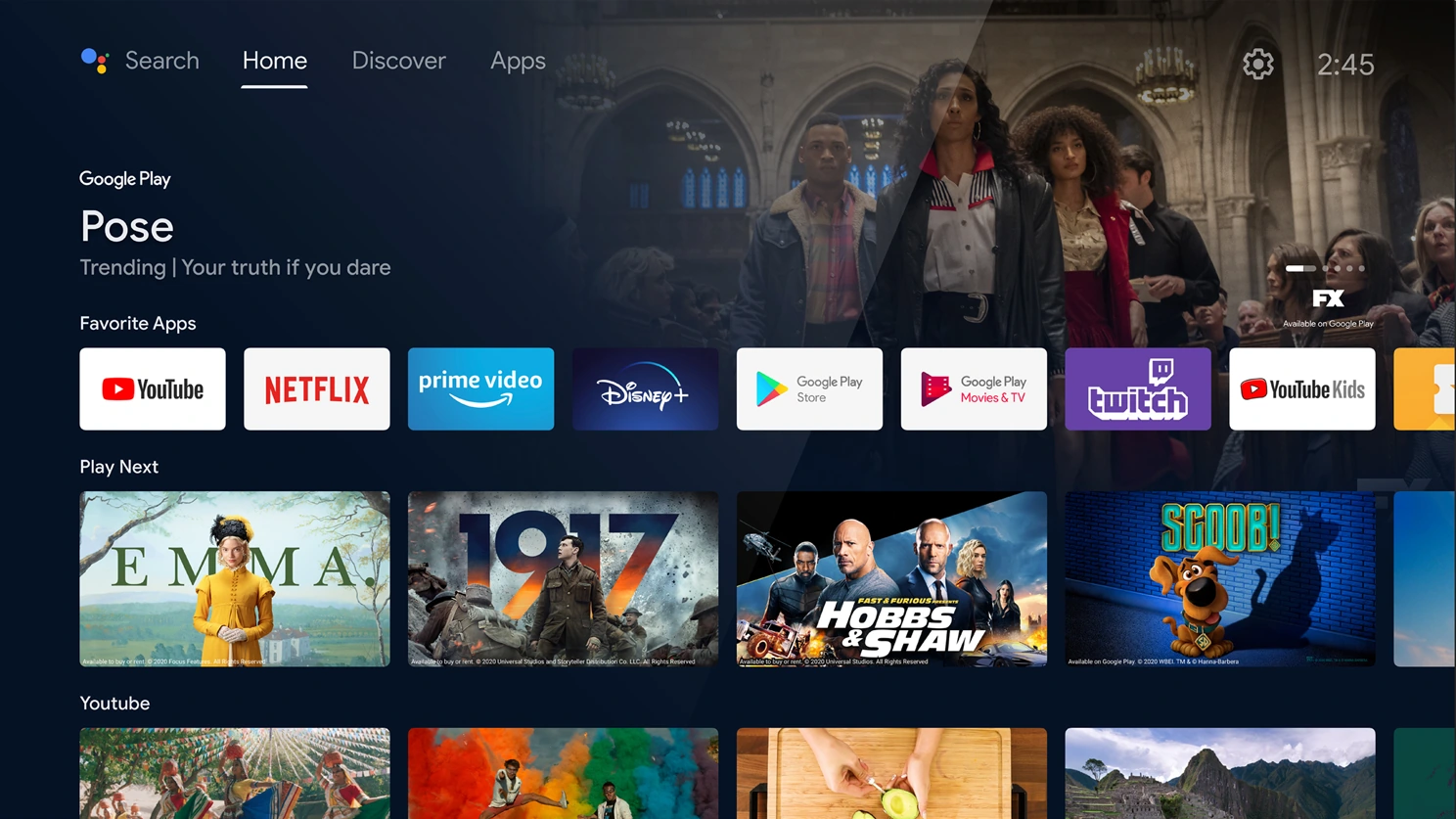 BeforeSweepMyTV
You’ll need an Android TV or Google TV running Android 8.0 or later that allows APK installation.
Download the signed SweepMyTV preview to your phone.
Use Send Files to TV with both devices on the same Wi-Fi, or transfer the APK with a USB drive.
Open the APK on your TV and allow the file app to install it if prompted. Then open Sweep TV from Apps.
Check scores, schedules, and standings from Home.
Race countdown, published session results, driver standings, and the last Grand Prix.
Three scorecards at a glance. Matches in progress come first, with recent or upcoming fixtures filling the row.
SweepMyTV recommendation engine · India beta
See trending titles, new releases, and curated picks filtered by your apps and languages. We check artwork, title links, and streaming availability before listing a pick. Prime Video picks exclude rent-only titles.
Optional device cleanup
Turn off selected promos, analytics, and unused apps. Save a restore list for your TV.
Resume shows and movies from supported streaming apps in one row.
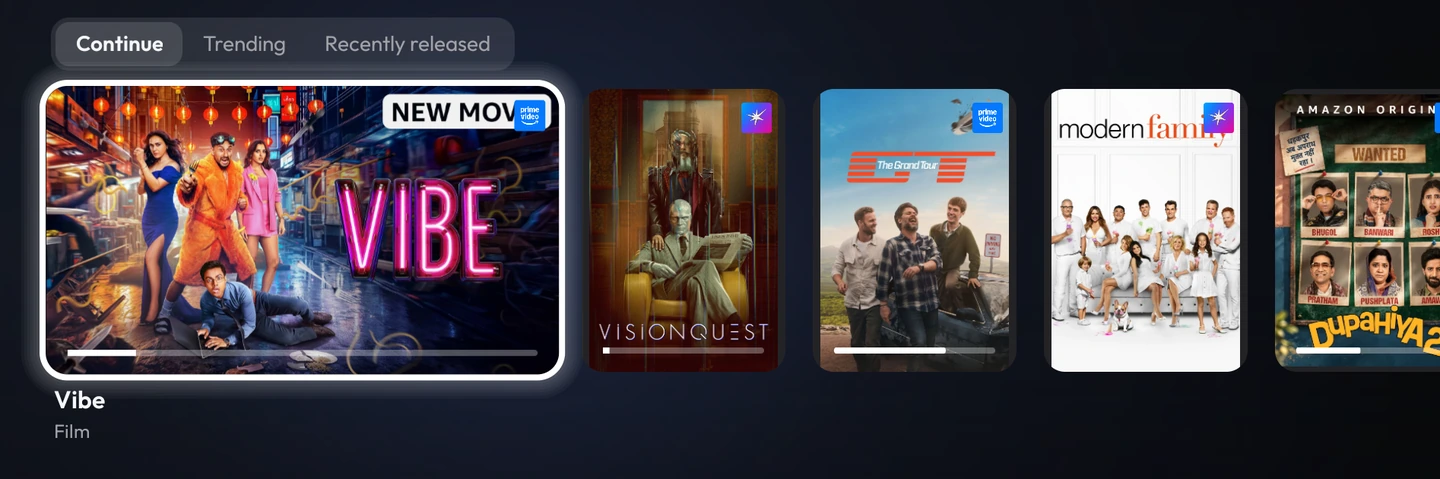
Match the daylight, draw colours from artwork, or choose a dark theme. Style the dock and pin your favourite apps.
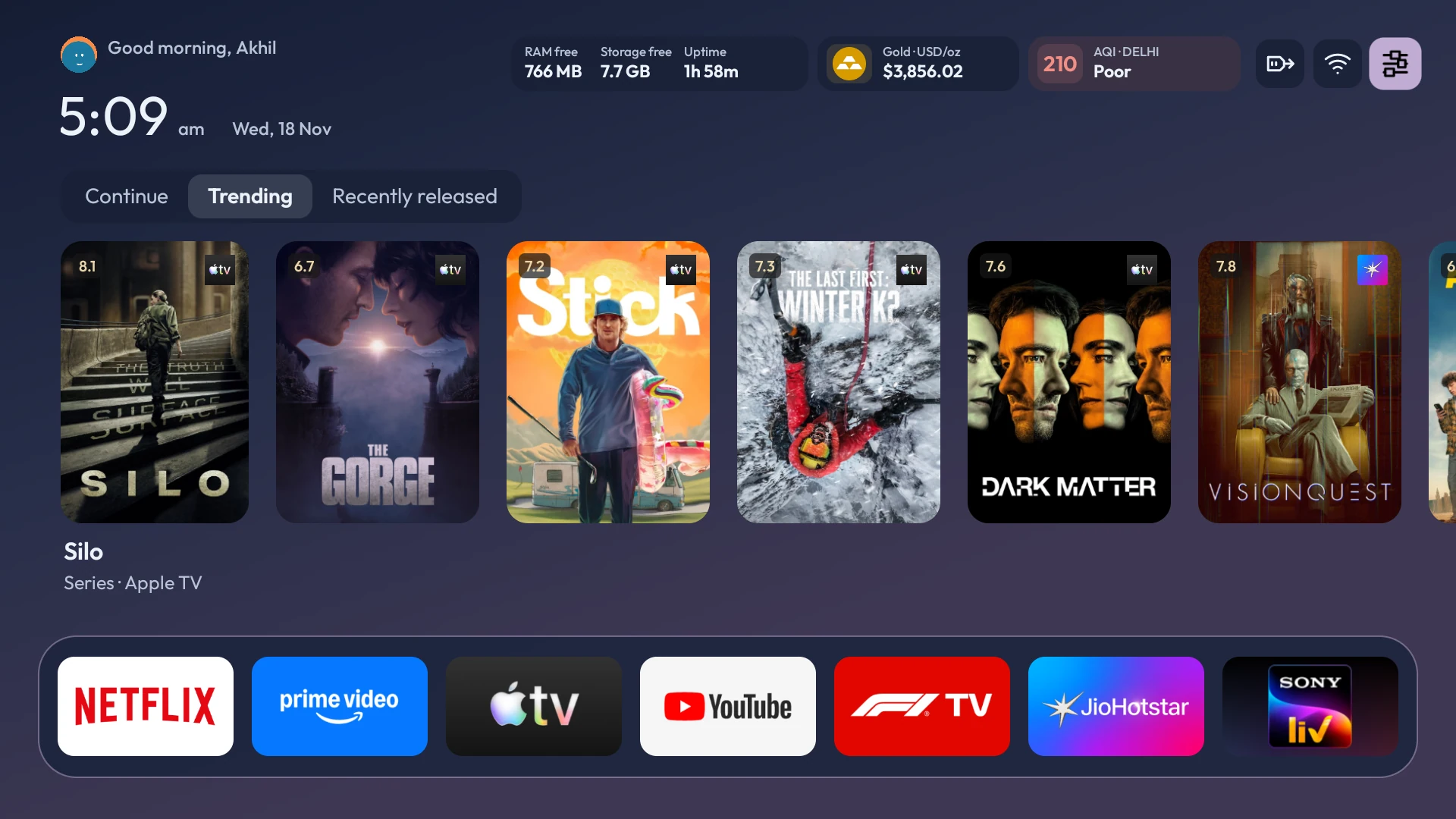
Choose what sits beside the clock, from local air quality to free RAM.

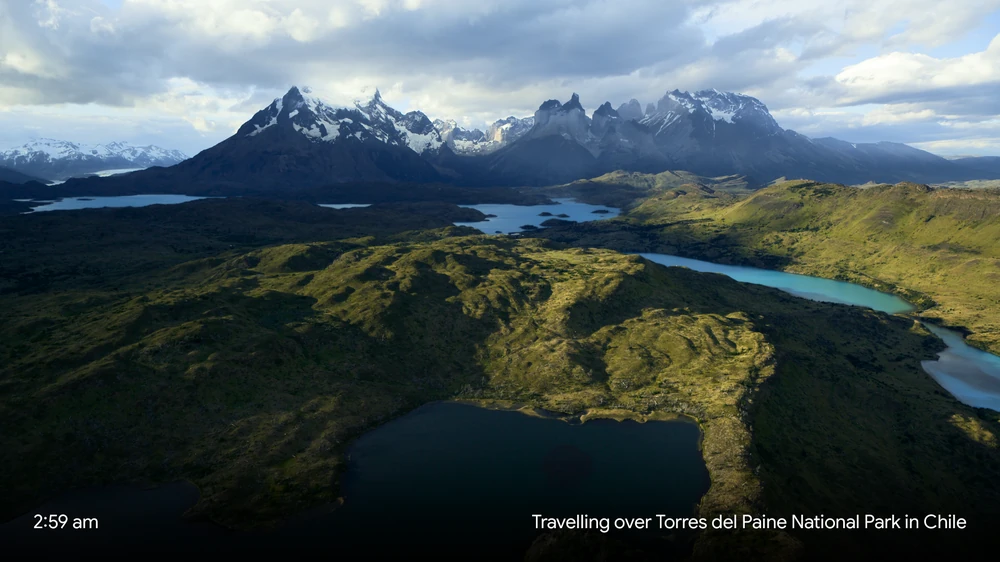
Play aerial scenery in up to 4K Dolby Vision while your TV is idle. Auto recommends a format based on your device and the available clips.
Install the preview on Android TV or Google TV. No account required.
Loading version…
Loading release details…
Recovery
Your original home screen and streaming apps stay installed. If you choose optional cleanup, save a recovery file for your TV so you can turn those apps and services back on.
SweepMyTV runs on Android TV and Google TV devices with Android 8.0 or newer that allow APK installation. You can use your existing TV and remote without rooting. See tested TVs.
Yes. Installing the launcher keeps your streaming apps. Optional cleanup is reviewed separately for each device.
You can use the launcher and the SweepMyTV India recommendation beta without a TMDB key. Check the release notes for beta availability.
Check the TV’s Home app picker or open the optional Home button helper under Finish setup. See the Home app guide.