Tutorials
Install SweepMyTV on your TV and learn how to set it up.
Install SweepMyTV
- Android phone
Install using an Android phone
Send the APK over Wi-Fi with Send Files to TV.
- USB drive
Install using a USB drive
Open the APK from a USB drive using your TV’s file manager.
- TV browser
Install using your TV browser
Download the official APK directly if your TV browser supports downloads.
- Downloader app
Install using Downloader
Enter the official APK URL in Downloader by AFTVnews.
- Laptop
Install from a laptop with ADB
Connect over your network, pair with a code, or use supported USB debugging.
- Coding assistant
Install with Claude Code
Copy the prompt and let your local coding assistant guide you through setup.
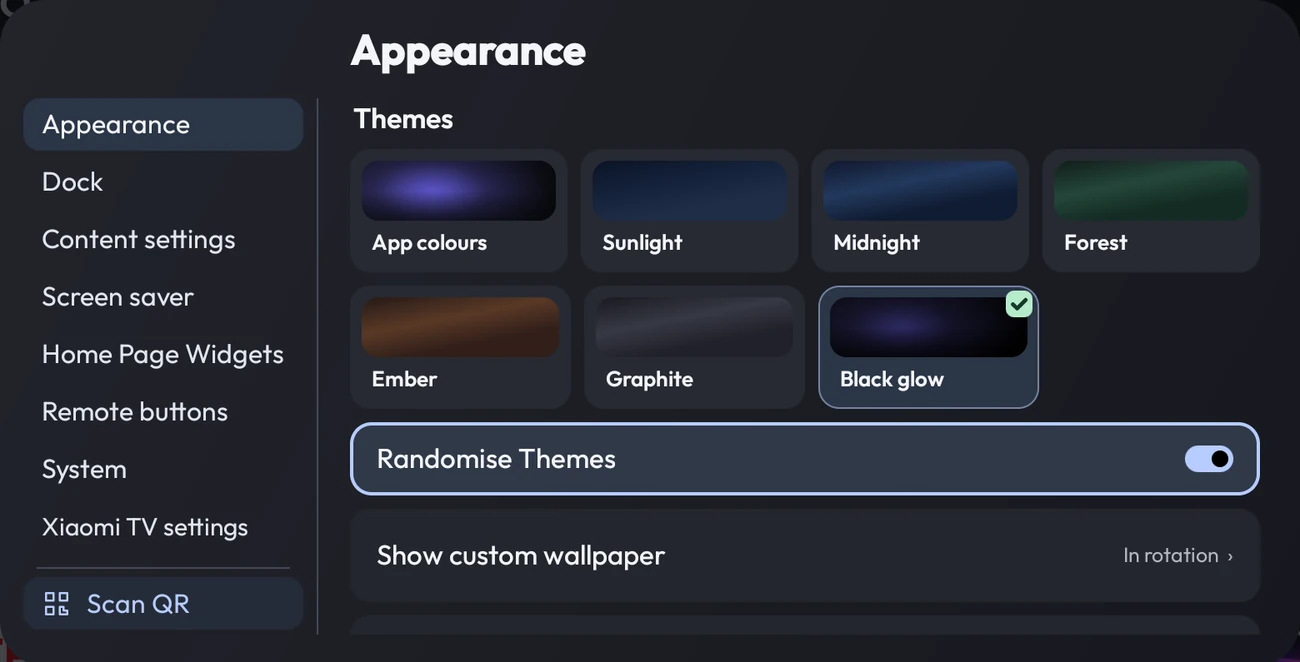
SweepMyTV settings, explained
Find the setting you want and see its location on annotated TV screenshots.
Open the settings guide ↗